Quick answer
Who is the XenoFeels General Commander?
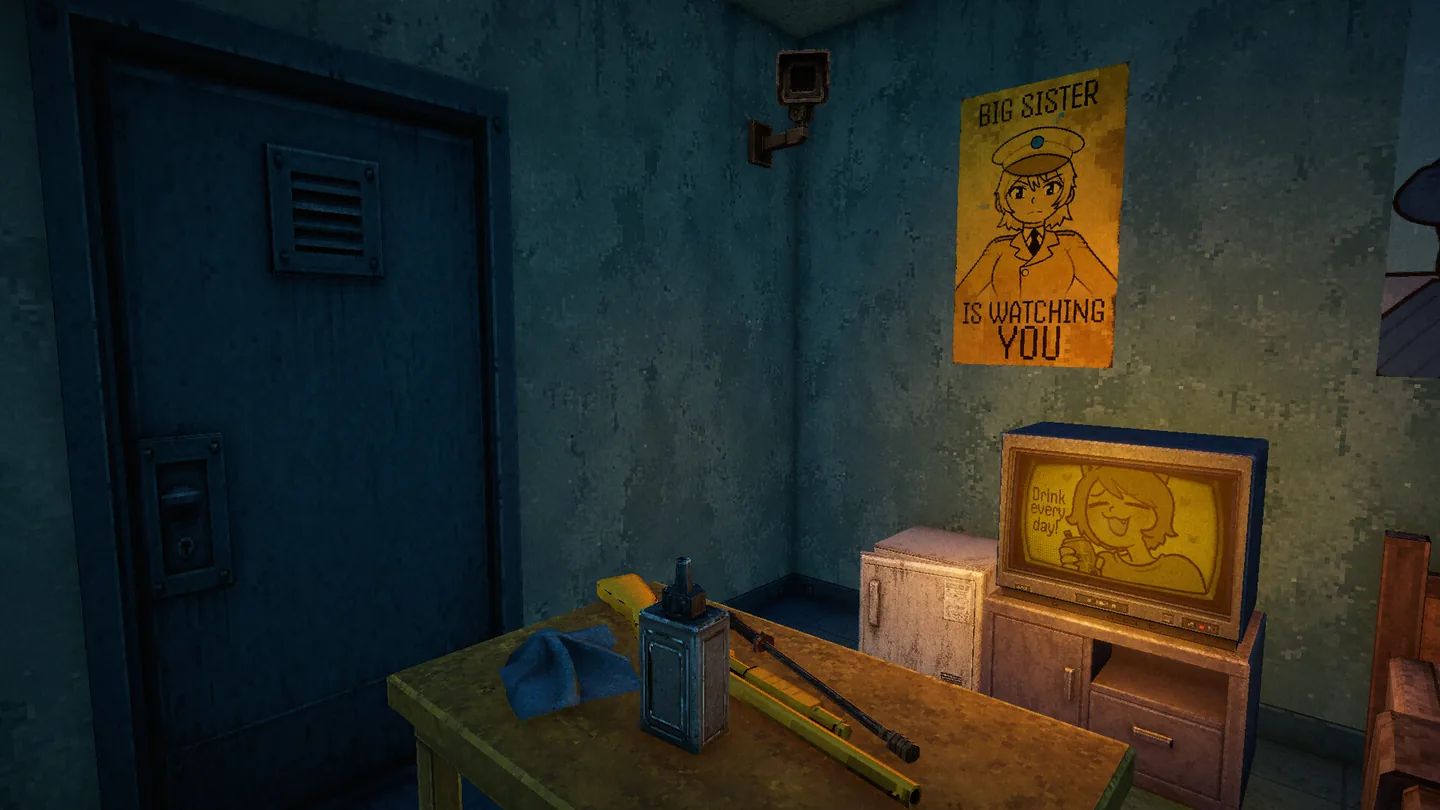
The General Commander is the label used in community demo coverage for a high-authority XenoFeels figure who appears in commander or boss-related searches. Official Steam media confirms the game's monitored checkpoint, uniformed authority imagery, propaganda, screens, and pressure around the inspector. It does not currently publish a full named cast entry or a complete character biography for this figure.
That distinction is the key to a useful XenoFeels commander guide. A screenshot can prove that a uniform, poster, monitor, or scene exists. A community playthrough can document what a demo build showed. Neither source, by itself, proves the figure's final name, faction, backstory, route function, or relationship to every ending. This page therefore keeps the searchable term General Commander while marking each claim by evidence level.
For players, the practical question is less about memorising a boss name and more about reading a high-pressure encounter. Start with the active rule sheet, identify what the scene actually changes, compare dialogue with visible evidence, and record the consequence without assuming that a demo endpoint is the final canon. The same evidence-first habit used for ordinary visitors also protects you from treating a dramatic authority scene as a free pass or an automatic combat prompt.
This page is narrower than the XenoFeels Characters guide. The Characters page maps the inspector, visitors, drivers, impostor clues, and authority imagery as a roster overview. This page focuses only on the commander/boss search cluster: what the public materials show, how to read the figure's appearances, why community wording varies, and which details should wait for a first-party update.
XenoFeels commander guide
What the XenoFeels commander evidence currently shows
Use this table as a reliability filter. It answers the intent behind XenoFeels commander and boss searches without turning community shorthand into an official character sheet.
| Question | What can be supported | What is still open |
|---|---|---|
| Is there an authority figure? | Official Steam media shows a monitored checkpoint, uniformed imagery, propaganda, screens, and an armed inspection environment. | A complete official biography, stable role name, or final faction history. |
| Why do people say General Commander? | Community demo coverage and search wording use commander/general language for the authority-focused figure. | Whether the phrase is the developer's final in-game name or only community shorthand. |
| Is the commander a boss? | The boss search cluster reflects a high-stakes or authority encounter intent. | A confirmed boss fight, health system, combat rules, or guaranteed defeat condition. |
| Does dialogue matter? | Dialogue can point the player toward a scene, threat, rule, or contradiction that needs checking. | The canon meaning of every line and the final route impact of each exchange. |
| Does the commander define an ending? | Choices and consequences are part of the public story promise for XenoFeels. | A complete ending map or proof that one demo scene is the final canon route. |
| What is the live status? | The official Steam listing remains the safest source for current platform, release-window, screenshots, and developer-linked updates as checked on August 11, 2026. | An exact launch date, complete commander roadmap, or future scene not published by a first-party source. |
How to read the commander's appearance and dialogue
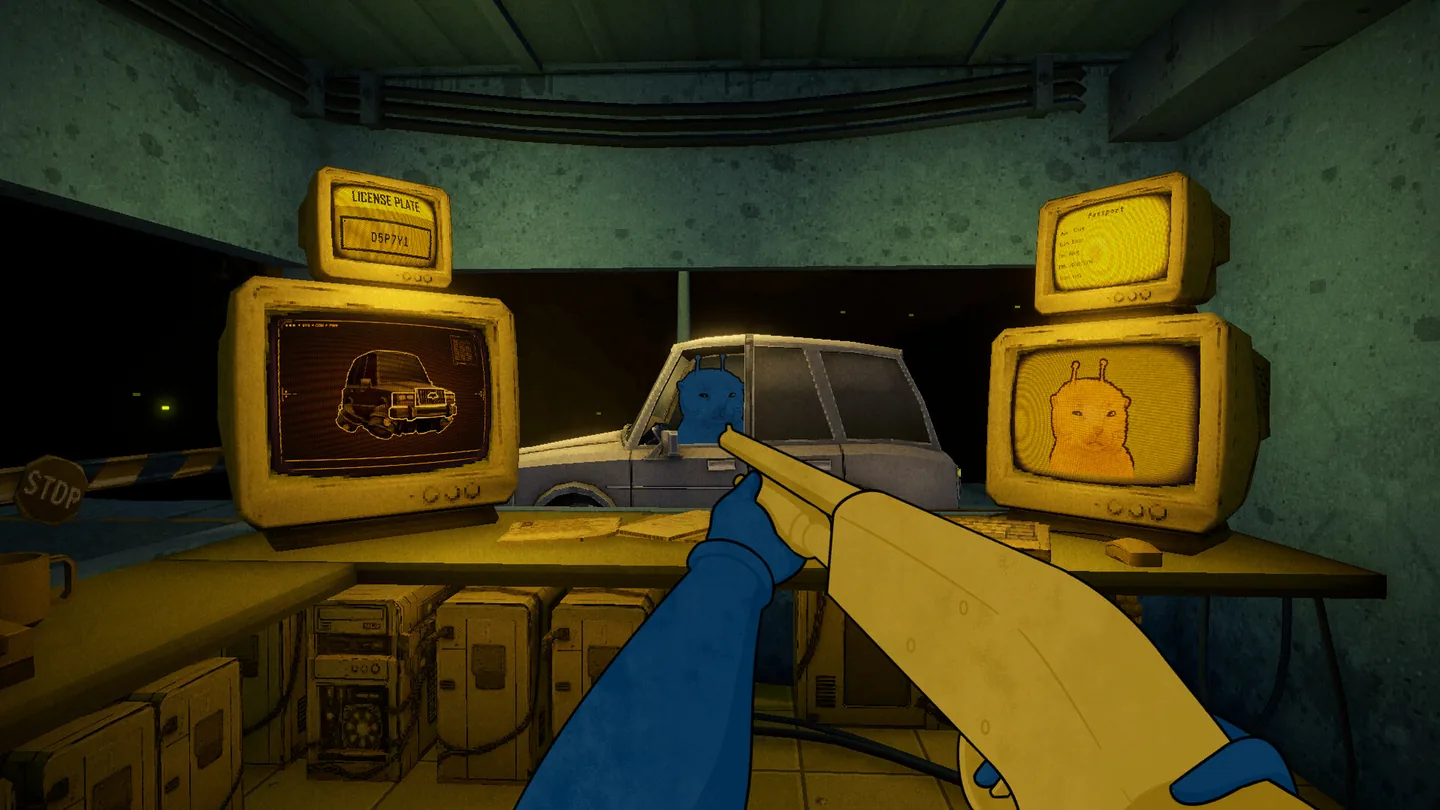
The official screenshot below is useful because it places authority imagery, inspection tools, surveillance, and a visitor decision in one visual frame. It shows the kind of pressure the commander search intent is asking about, but it does not reveal every story answer.
Separate the label from the proof
Use General Commander as the page's search-friendly label, then describe the visible role, scene, and source that support it. Do not turn a search phrase into a secret biography.
Treat dialogue as a lead
A line can tell you which panel, visitor, rule, or authority detail deserves a closer look. It should not erase a document mismatch or prove a relationship by itself.
Record the demo boundary
Note the build or video context, immediate decision, and visible result. A scene from a public demo can be important without representing the finished game.
Check first-party updates
Use the Steam listing and developer-linked announcements for stable names, release changes, new scenes, and official explanations. Mark community observations as community-sourced.
A practical way to read a high-risk commander encounter
When a commander or boss scene appears, the safest response is procedural rather than emotional. Read the current rule sheet first. Then identify whether the scene changes an entry rule, introduces a new authority instruction, presents a visitor or vehicle contradiction, or simply raises the narrative pressure. That first classification keeps a dramatic cutaway from replacing the actual inspection task.
Next, compare three evidence layers: what the character says, what the documents or monitors show, and what the player is asked to do. If the layers agree, record the scene as a supported observation. If they conflict, write down the exact conflict instead of guessing which line is the hidden truth. The commander term is useful because it points readers toward the authority layer; it is not permission to skip the ordinary evidence chain.
Finally, track the consequence separately from the interpretation. A warning, denial, weapon prompt, route change, or scene transition may be a real demo result. It does not automatically explain the entire XenoFeels lore or prove that the figure is the final antagonist. Keep a small route note with the scene, evidence, action, immediate result, and confidence level so later official updates can correct only the uncertain part.
This approach also explains why commander and boss searches overlap without being identical. Boss wording asks whether the encounter is dangerous or mechanically special. Commander wording asks who the authority figure is and what the figure represents. One focused page can serve both intents if it answers the identity question first and uses the inspection guide for the detailed case procedure.
-
Read the active rules
Look for the current entry limits, authority instructions, date requirements, visitor conditions, and any special alert before reacting to the scene.
-
Name the evidence layer
Mark whether the clue comes from dialogue, a document, a portrait, a vehicle, a monitor, a weapon prompt, or a visible consequence.
-
Write the exact conflict
If the commander says one thing while the record or scene shows another, record the mismatch instead of filling the gap with fan theory.
-
Save the confidence level
Use confirmed, observed in the demo, community-reported, likely, or unknown so future official updates can refine the page cleanly.
Confirmed vs observed vs unconfirmed
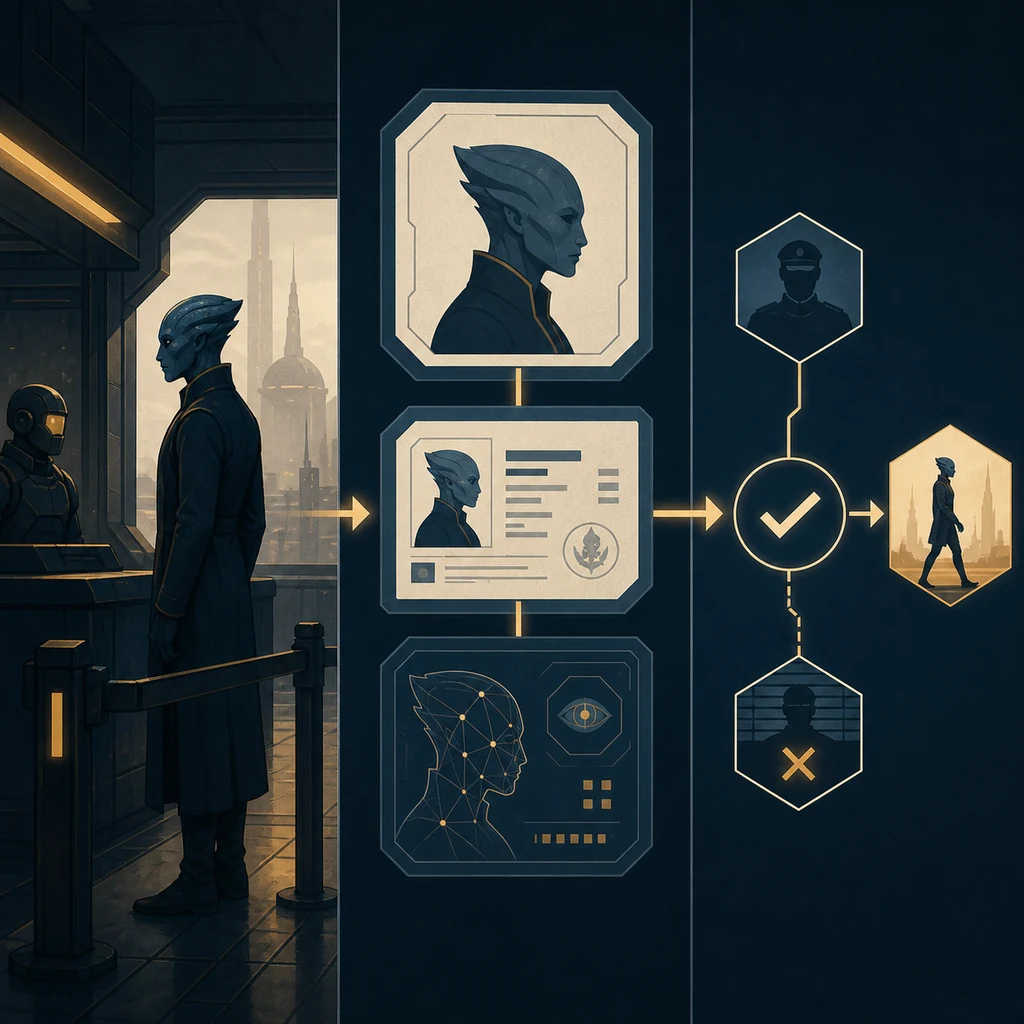
The illustration below is an AI-generated editorial concept, not an official XenoFeels screenshot. It visualises the evidence path used by this guide: observe the scene, compare the record, then decide without treating a dramatic authority figure as proof of an invented story.
| Topic | Safe wording | Do not overclaim |
|---|---|---|
| Authority imagery | Official Steam media shows a monitored checkpoint and uniformed authority atmosphere. | A named commander, confirmed faction, or full political hierarchy. |
| General Commander | A useful community/search label for the commander-focused scene cluster. | That the phrase is already the developer's final official character name. |
| Boss | A search-intent synonym for a high-risk or special encounter. | A verified boss fight, combat stats, health bar, or guaranteed reward. |
| Dialogue | Community footage can preserve what a demo build says or displays. | That one line explains every route, ending, or future story reveal. |
| Demo consequences | Record the visible decision and immediate result with the build context. | That a demo endpoint is the final canon ending or complete game route. |
| Future updates | Use Steam and developer-linked sources for stable names and new scenes. | An old repost, mirror, or unsourced wiki claim replacing a current first-party update. |
XenoFeels commander FAQ
Official and community verification points
- Official XenoFeels Steam page - Use for the current platform and release-window label, official screenshots, public description, and developer-linked status.
- Official Steam community announcements - Use for first-party updates, active development context, and future character or story confirmation.
- Community demo coverage: General Commander appearances - User-sourced video reference for observed demo coverage; it is not an official canon source and should be treated as an observation record.